
Your users don't have
high-end GPUs, but we do
Eagle 3D makes it possible to deploy high-fidelity Unreal Engine projects to any user, regardless of the hardware specs of their device. Your application runs on our cloud GPUs and streams directly to their browser.
Trusted by teams bringing real-time 3D experiences to life


Deploying Your Unreal Engine Project on Eagle 3D Streaming Is simple


What This Means for Your Deployment
Deploy high-fidelity Unreal Engine experiences instantly accessible on any device, without
downloads, installations, or hardware limitations.
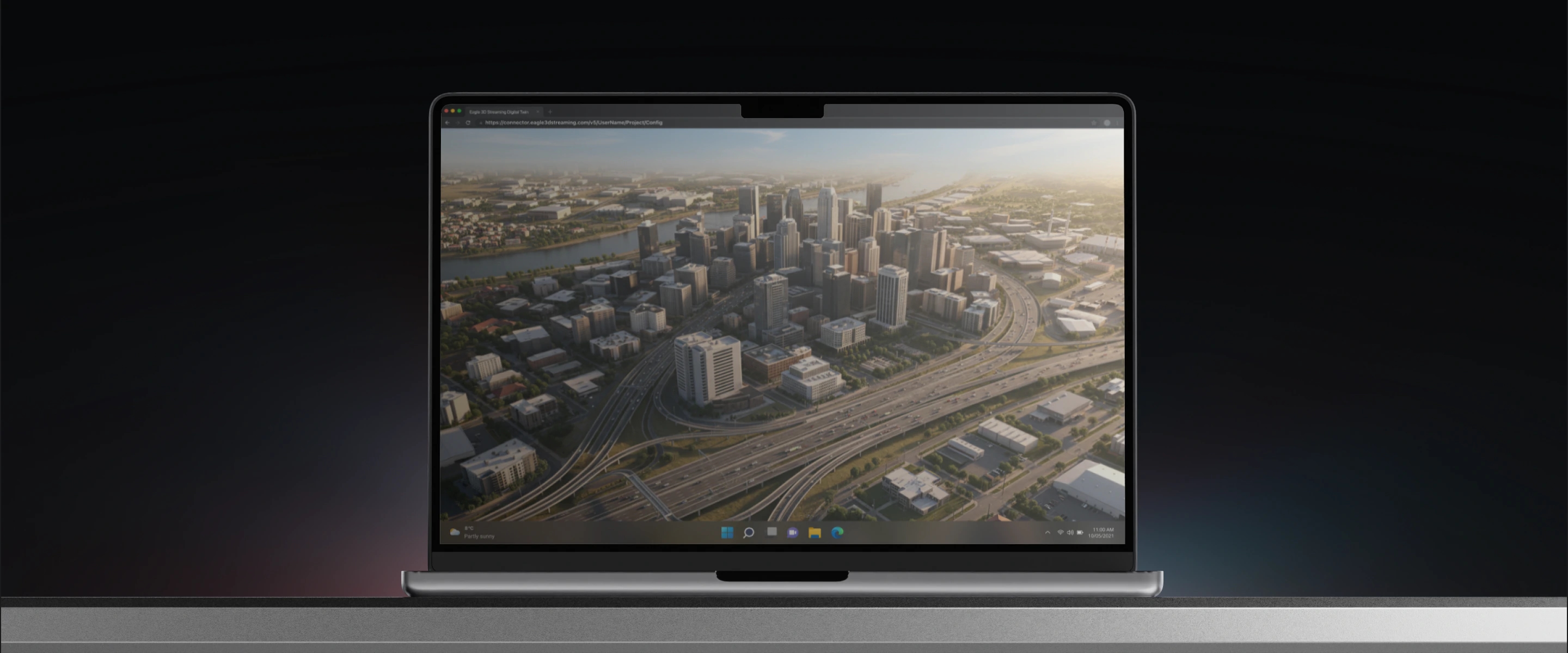
Cloud-Powered Unreal Engine Deployment
Stream fully interactive Unreal Engine applications to any device instantly through the browser, with no installs or high-end hardware required.
Run Unreal Engine
without a high-end GPU
Rendering happens on Eagle's cloud infrastructure, not the user's device. Any user with a browser can access the full experience, regardless of their hardware.
Executable-free
distribution
Your application is delivered through a URL, not a downloadable .exe. There's nothing to install, no IT approval required, and no instructions to write. Users click the link and they're in.
Behaves exactly like
a local app
All user inputs are sent back to the cloud application in real time. Every control, every interaction, every action works exactly as it would if the app were running locally.
See Unreal Engine Streaming in Action

Experience a fully interactive Unreal Engine application directly in your browser. No downloads, installations, or high-end hardware required.
Explore More DemosEverything You Need to Get Started
Explore our documentation and step-by-step guides to prepare, deploy, and manage your Unreal Engine applications with Eagle 3D Streaming.
Getting Started
Learn how to create your account and take your first steps with Eagle 3D Streaming.
Stream a Sample App
Upload a ready-made Unreal Engine application and experience Pixel Streaming before deploying your own project.
Prepare Your Unreal Project
Enable Pixel Streaming, package your Unreal Engine project, and prepare it for cloud deployment.
Upload from the Control Panel
Learn how to upload your packaged application, create a stream link, and launch it in a browser.
Upload from Unreal
Use E3DS Automation Tools to package and upload your project directly from the Unreal Editor.
App Configuration
Customize streaming settings, access controls, and the viewer experience for your application.
Get in Touch
Whether you're exploring pixel streaming, multiplayer, or enterprise deployments,
we're here to answer your questions.
Community Support
Join Eagle 3D's Discord to get help with your project from the community.
Deploy Your Unreal
Engine App Today
Package your build, upload it, and share a URL. Your users
are in the experience in minutes not weeks.