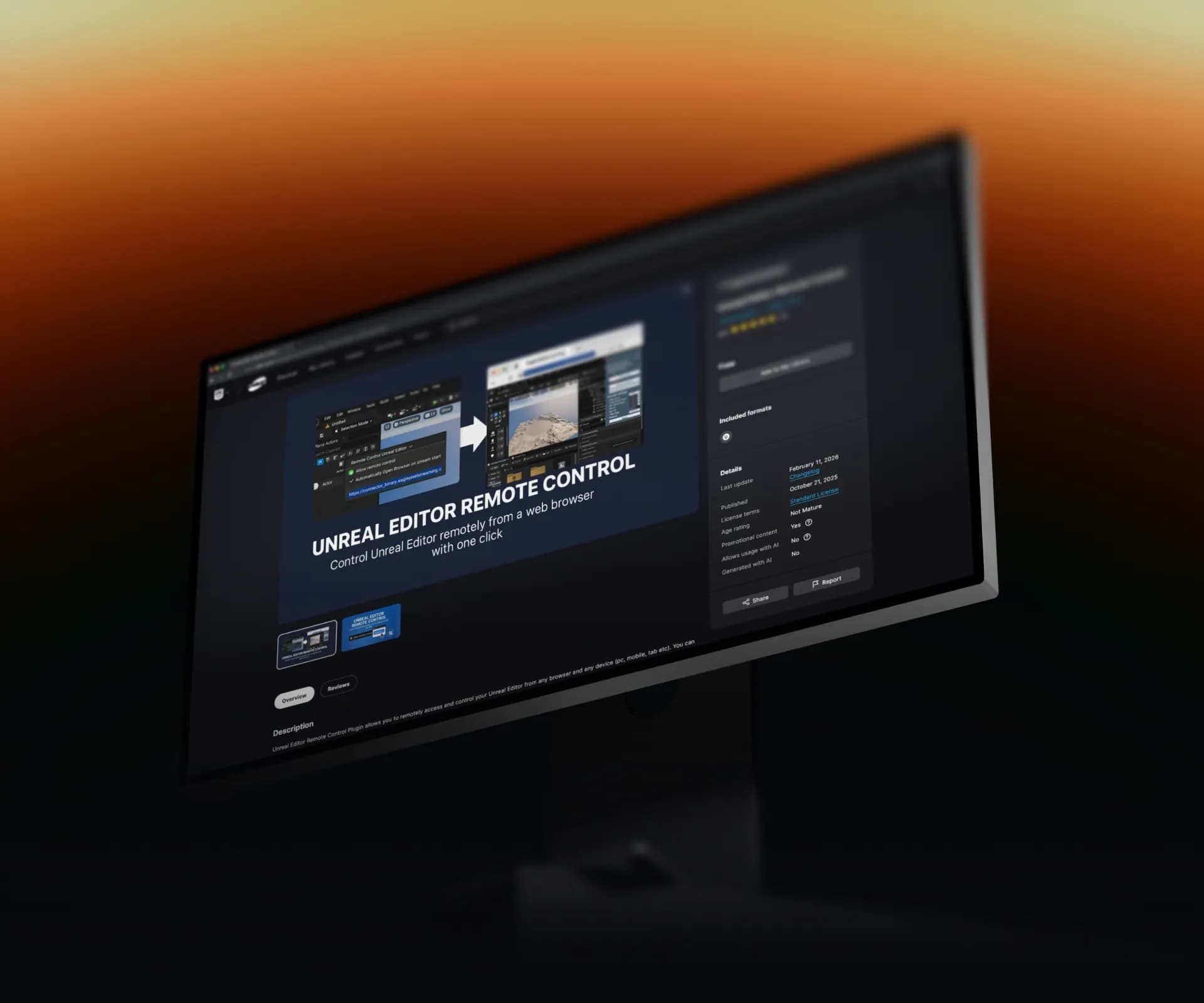



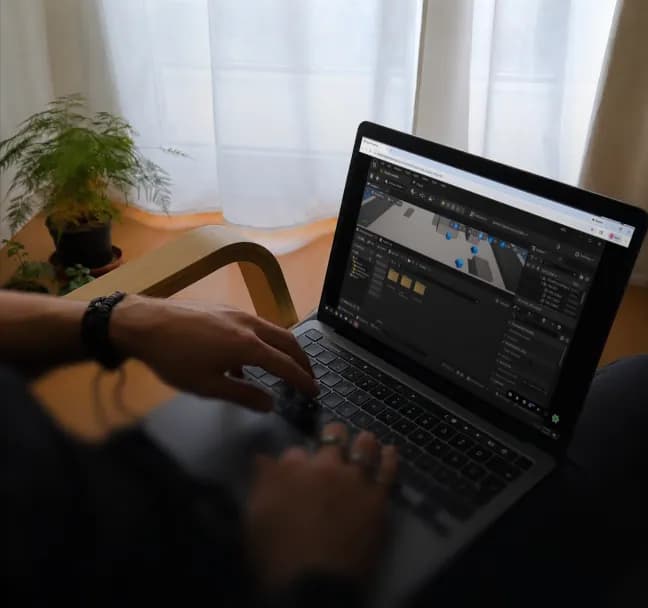
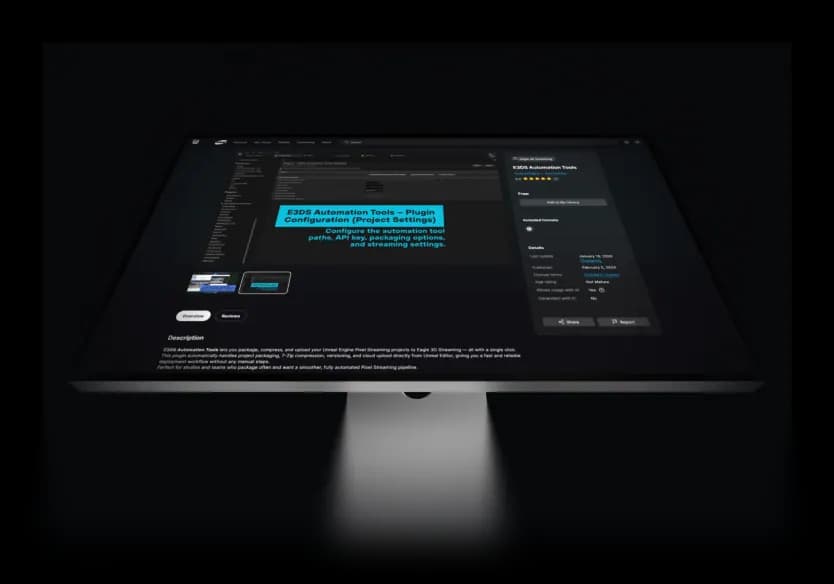


Eagle 3D Remote Editor streaming a live Unreal Engine editor session to a browser to test pixel streaming features without packaging a build

Test Pixel Streaming Features
Without Packaging a Build

Some pixel streaming features only work in a browser. Instead of packaging and uploading a build to test them, stream your live editor to a browser and test instantly.

Skip the upload loop

no packaging a build just to test in a browser

Test PSX features live

exercise browser-only streaming features against your running editor

Iterate faster

change, stream, test, repeat in seconds

Built for Unreal developers building and debugging pixel streaming apps on Eagle 3D

Ramboll
AECOM
iasagora
Ario Arteh Architects
M80
Epic Games
AWS
Doll
Lunas
Anythink
Arup
Ramboll
AECOM
iasagora
Ario Arteh Architects
M80
Epic Games
AWS
Doll
Lunas
Anythink
Arup

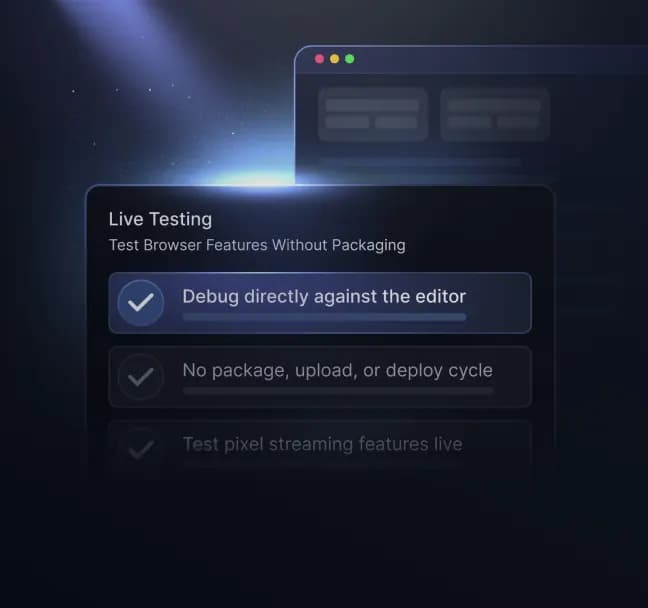
Live Testing


Test Browser-Only Features in Seconds

Pixel streaming features tied to Eagle 3D can't run in the editor alone; they need a browser. Stream the live editor to one and test them on the spot, no build required.

  • Test Pixel Streaming features live

  • No package + upload

  • Debug against the running editor

Live testing with Eagle 3D Remote Editor — stream the running Unreal Editor to a browser to test pixel streaming features instantly without packaging a build

Test Changes the Moment You Make Them

Stream your live Unreal Editor to a browser and test pixel streaming functionality instantly.

Remote Access


Drive the Editor From Any Device

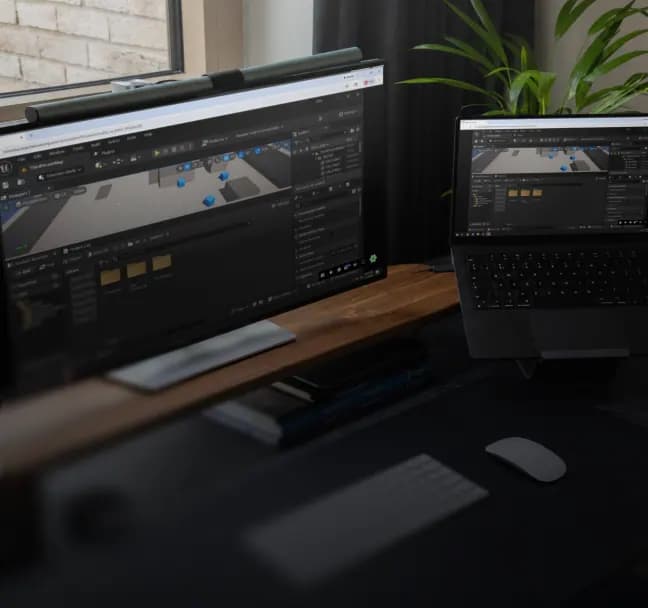
The full live editor in a browser on Windows, iOS, or Android. Debug from your workstation, laptop, or tablet, wherever you are.

  • Full editor, not a build

  • Any device, any browser

  • Secure access

  • Remote access to the full Unreal Engine editor in a browser on Windows, iOS, or Android using Eagle 3D Remote Editor for remote debugging

    Your Unreal Editor, Anywhere

    Securely access the full editor experience from any device with a web browser.

    Shared Sessions


    Collaborate When You Need To

    Share access and teammates or clients join the same editor session — handy for live debugging help, reviews, or teaching.

    • Multi-user sessions

    • Review or co-debug live

    • One session, many devices

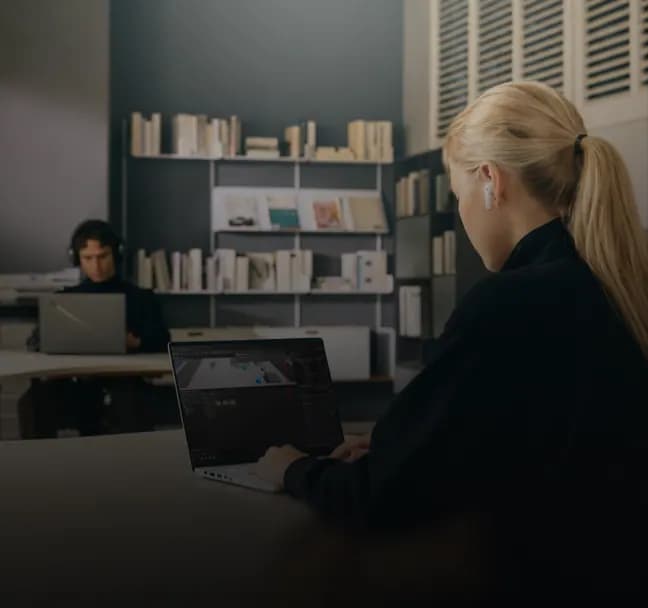
    Multi-user shared Unreal Editor session in Eagle 3D Remote Editor for live collaboration, co-debugging, and review across devices

    Bring Others Into the Debugging Process

    Collaborate live with teammates, clients, and stakeholders inside the same editor session.

    Quick Setup


    Up and Streaming in Minutes

    Install from the Fab Marketplace, enable the plugin, restart the editor, then open the Remote Control dropdown and hit "Allow Remote Control." Auto-opens in your browser, or share the URL — stop anytime.

  • Install from Fab, enable, restart

  • Click Allow Remote Control

  • Works on UE 5.3–5.7

  • Quick setup of Eagle 3D Remote Editor — install the plugin from Fab, enable Remote Control, and start streaming the Unreal Editor to a browser in minutes

    Go From Install to Browser Fast

    Enable the plugin, click a button, and start streaming your editor in just a few minutes.

    Developer working on a laptop representing customizable Unreal Engine deployment workflows, cloud configuration, and enterprise streaming management.

    Stop Packaging Builds Just to Test

    1. enable the plugin

    2. click Allow Remote Control

    3. test your Pixel Streaming features live in the browser

    HKS

    HKS

    We've consistently run into challenges getting every stakeholder onto the same hardware or setup for a design review. Pixel Streaming through Eagle has been a huge help there — when someone can't match the same hardware as everyone else, it makes it so much easier for them to still participate fully in the discussion.

    Logo

    Chad Ritsema

    Eagle 3D Streaming lets us put our work directly into the hands of clients and remote team members so we can collaborate and make decisions quickly, without sacrificing fidelity or quality. From early iteration to the final presentation, it's become part of how we move projects forward — share it, get feedback, refine it, and share again.
    Logo

    Ahsan Muzaheed

    Building this wasn't easy at first — I came from a C and desktop/mobile programming background, not web development, so I had to spend months learning what I needed. When the existing cloud tools didn't work the way we needed, I built something different using the pieces that did — and that's how Eagle's infrastructure came to be.

    +1 (915) 246-0772

    info@eagle3dstreaming.com

    LinkedIndiscordyoutubegithubtwitterinstagram