Stop Screen Sharing: How the E3DS Remote Control Plugin Gives You Real Access to Unreal Editor from Any Browser
Published: April 23, 2026 · Rafshan Tashin · 5 min read
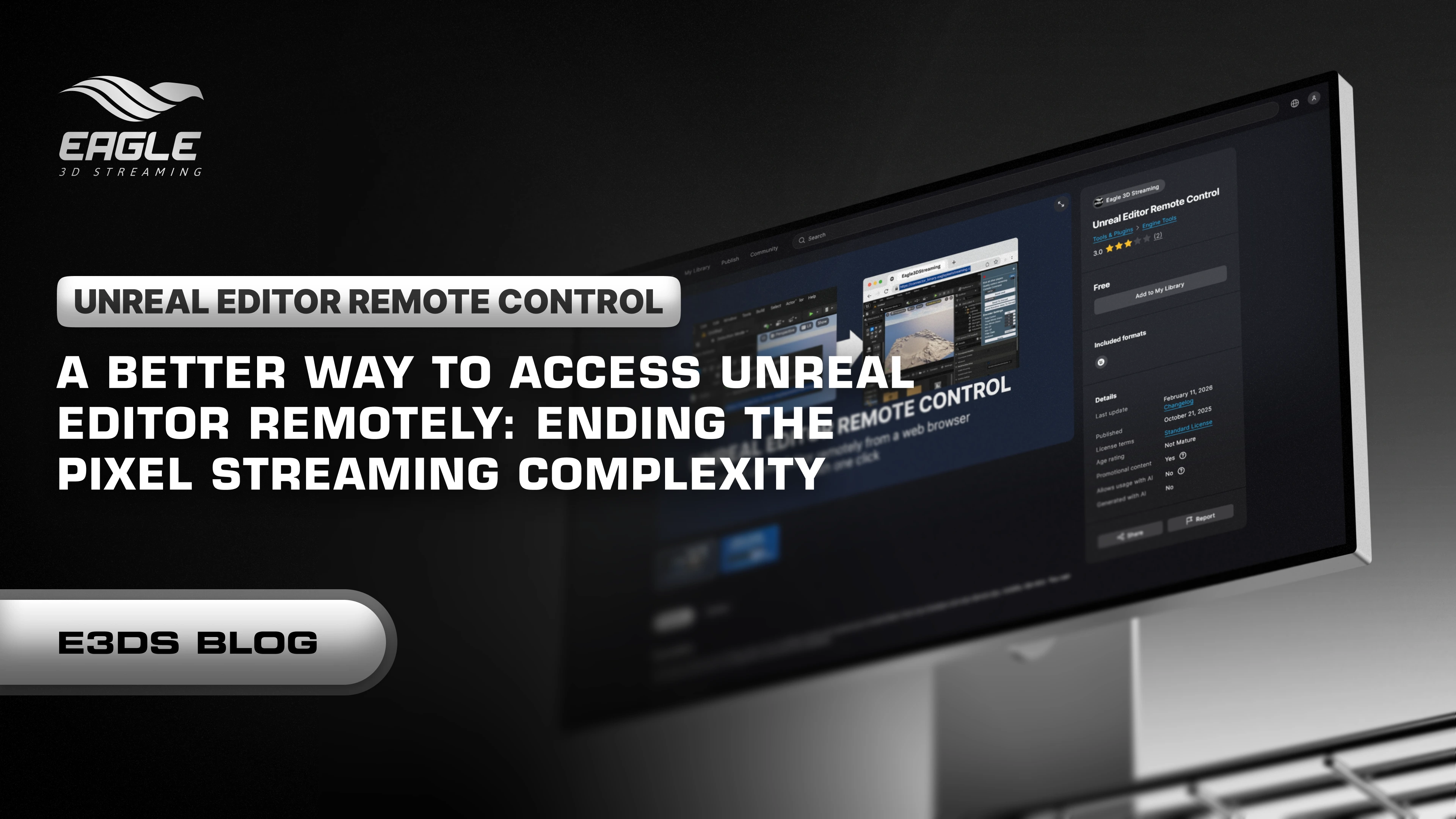
Screen sharing has always been the workaround, not the solution.
You know the situation. A developer on your team hits a blocking issue inside Unreal Editor. They can't push forward, so they jump on a call, share their screen, and spend the next forty minutes walking a senior developer through every click while someone else watches a live feed and talks them through it. Everyone involved knows there's a better way to do this. Until recently, there wasn't one.
The E3DS Unreal Editor Remote Control Plugin changes that entirely. Instead of watching someone else's screen and dictating instructions, you open a browser link and you're inside their editor — controlling it directly, in real time, from any device.
What the Plugin Actually Does
The core idea is simple: it uses Unreal Engine pixel streaming to stream the Unreal Editor itself — not just a packaged application — directly to a browser. The editor keeps running on the host machine. Everyone else accesses and controls it remotely through a URL, with no setup on their end and no need for a powerful GPU or a local Unreal Engine installation.
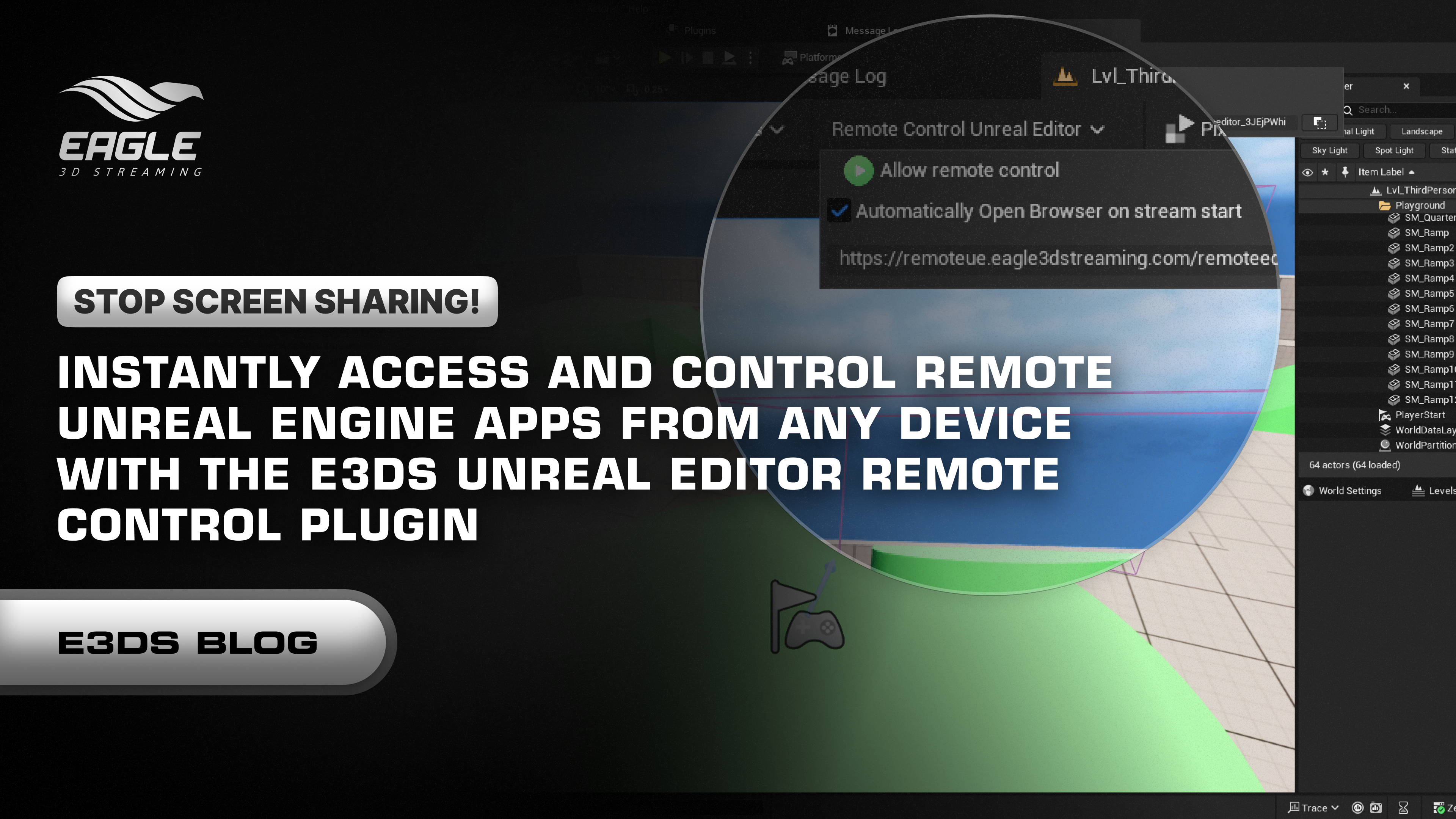
The Unreal Editor continues running on your own machine, while you interact with it remotely through the browser. Unreal Engine That distinction matters. This isn't a remote desktop tool. It's a pixel-streamed session of a live Unreal Editor, which means the full fidelity of the editor — every panel, every viewport, every tool — is available to whoever has the link.
With a single click, you can start a streaming-enabled Unreal Editor session — no manual setup required. Eagle3dstreaming
The plugin is free and available on the Fab Marketplace: Get the E3DS Unreal Editor Remote Control Plugin
The Problems It Actually Solves
Debugging across a distributed team
The old workflow: junior developer hits a bug, opens a screen share, senior developer watches and talks them through it. The new workflow: junior developer enables the plugin and shares a link. Senior developer opens the browser, takes control, fixes the issue directly. The call that used to take forty minutes takes five.
Working from a machine that can't run Unreal
Not everyone on a team has a workstation capable of running Unreal Engine 5 at home. With the plugin, the editor runs on a powerful office machine and the developer accesses it from a laptop, a tablet, or even a phone. It enables cloud-based development, debugging, and iteration — and multi-device access to your editor from anywhere. Eagle3dstreaming
Training and onboarding
Teaching Unreal Engine workflows remotely is genuinely difficult over a screen share. With the plugin, an instructor can take direct control of a student's editor session and demonstrate exactly what they mean — inside the student's own project, with their own assets, without any file transfer or version mismatch.
Client and stakeholder review
Visualization studios regularly need clients to review assets or sign off on scenes. Most clients don't have Unreal Engine installed and have no interest in downloading a multi-gigabyte project. With a browser link, they can open the session, look around, and give feedback — no installation, no hardware requirement, no friction.
How to Set It Up
The full step-by-step installation guide with screenshots is here: Remote Control Unreal Editor Plugin — Full Setup Guide
The short version:
Download and install the plugin from the Fab Marketplace, then restart Unreal Engine. Once restarted, search for "Unreal Editor Remote Control" in the Plugins panel, enable it, and restart again. From the toolbar dropdown that appears, enable "Allow Remote Control." The plugin will automatically start the stream, generate a URL, and open your browser. From that point, anyone with the link can access and control the editor from their own device.
To end the session, open the same dropdown and click "Stop Remote Control." The stream stops and the browser session closes immediately.
What It Supports
The plugin supports Unreal Engine versions 5.3 through 5.7 and is built for Windows environments. Sessions are shared through a generated URL and can be terminated instantly — so access is always in the host's control.
The browser-based access works across PCs, laptops, tablets, and mobile devices. There is no software to install on the remote device. If it has a browser, it can access the session.
Part of a Broader Pixel Streaming Ecosystem
The Remote Control Plugin sits alongside Eagle 3D Streaming's other free tools on Fab, including the E3DS Automation Tools — which lets you package, compress, and upload Unreal Engine pixel streaming projects to Eagle 3D Streaming with a single click, automatically handling project packaging, compression, versioning, and cloud upload directly from Unreal Editor. Fab
Together, these plugins cover two of the most painful parts of a real-time 3D streaming workflow: getting projects to the cloud, and collaborating on them while they're still in development.
If you're building pixel streaming projects for architecture, visualization, enterprise, or interactive experiences, both are worth having installed.
Useful Links
Get the Plugin on Fab — free download
Full Setup Documentation — step-by-step with screenshots
Video Walkthrough — see the plugin in action
All Eagle 3D Streaming Plugins on Fab — full plugin library
What Should You Do Next?
If you're already using Unreal Engine and working with a distributed team, there's no reason to still be screen sharing for editor sessions. The plugin is free, the setup takes under ten minutes, and the difference in how your team collaborates is immediate.
Join the community — connect with other developers, ask questions, and get faster support on the Eagle 3D Discord
New to pixel streaming? Start with the free guide: Get the Free Pixel Streaming Guide
Ready to stream your project? Sign up and upload here
Conclusion
Screen sharing was never built for this kind of work. It's a stopgap — something that gets the job done when there's no better option. The E3DS Remote Control Plugin is the better option. Direct browser access to a live Unreal Editor session, powered by pixel streaming, with no setup on the remote end and no compromise on what you can do inside the editor.
For distributed teams, remote developers, instructors, and studios trying to cut the time between "there's a problem" and "the problem is fixed" — this is the tool that closes that gap.